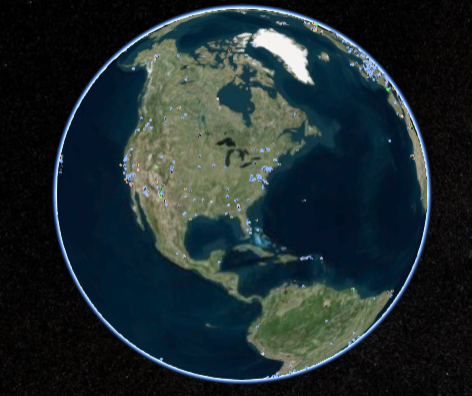
var cesiumWidget = new Cesium.CesiumWidget('cesiumContainer');

var dataSources = new Cesium.DataSourceCollection();

var dataSourceDisplay = new Cesium.DataSourceDisplay({
    scene: cesiumWidget.scene,
    dataSourceCollection: dataSources
});

//dataSourceDisplay.update needs to be called once a frame after all other updates have been made, in this case we call it in the preRender event.
cesiumWidget.scene.preRender.addEventListener(function(scene, time){
    dataSourceDisplay.update(time);
});

//Now that everything is configured, we can load KML and add to list of data sources.
dataSources.add(Cesium.KmlDataSource.load('../../SampleData/kml/facilities/facilities.kml'));

