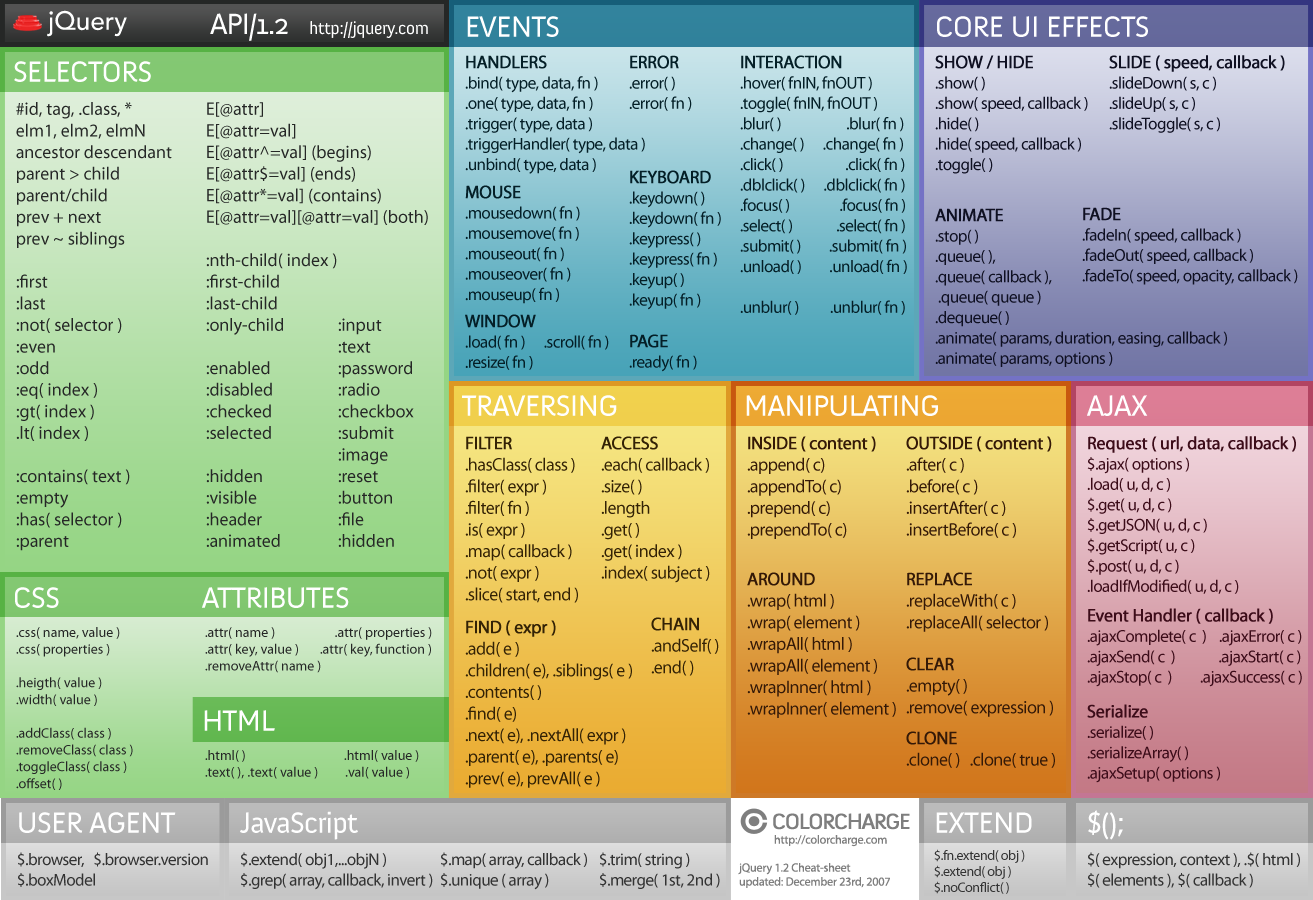
Use jQuery to read TD values on click…
| PHP | MYSQL | Linux | Apache | Node.js |


Use jQuery to read TD values on click…
| PHP | MYSQL | Linux | Apache | Node.js |
Stop form submission by pressing enter key.
this code will prevent form posting by pressing enter key or save time accidental form submission.
This php code creates JSON object like ” availableTags “
	var availableTags = [
	{key: "1",value: "NAME 1"},{key: "2",value: "NAME 2"},{key: "3",value: "NAME 3"},{key: "4",value: "NAME 4"},{key: "5",value: "NAME 5"}
	 ];
$Acc_Name_List is your PHP array which have key and value. You can manipulate as you want, make function or add into your class.
            var availableTags = [
                $value_name)
                {
                  if ($key != 0 && $key != "" && $value_name != "")
                  {
                   $list_key = "key: ". '"'.$key.'"';
                   $list_value = "value: ". '"'.$value_name.'"';
                   // $string .= $list_value.',';
                     $string .="{". $list_key.','.$list_value."},";
                  }
                }
                $string = substr($string, 0, -1);
               // echo $result;
                echo $string;
                ?>
Jquery autocomplet is easy but when you have to get the key of the array and store into the database or just you want to get it’s a bit tricky.
I have used the jquery UI autocomplete feature with JSON object which you can create with given PHP code.
As soon as you choose a list of the values, key automatically gets populated into another hidden field. For sake of understanding I made it text field.
You can do whatever you want with that id!!
I had a situation where requirement was to pass select box value to another text field. Using jQuery it is very easy.
See the code below.
Select a dropdown name and pass value to another text field is very easy using jquery.
Selecting multiple items from a list to process them or delete them is just one like of jquery program.
Here is another version which does not use fieldset
Check all
Checkbox 1
Checkbox 2
Checkbox 3
This code allow you to select dropdown value to multiple text boxes which have same name or class.
Very useful if you are creating price table and want to pass data to next page.
You can pass select drop down value to one text box without using jQuery.
Colorbox is very cool js plug-in which is used by many developers.
I was creating a facebook app and had situation where i wanted to close Colorbox/popup and open new page which was not suppose to open in Colorbox.
I was searching and found really simple code which can be used in several ways with any php technology stuff.
PHPMIND.COM This is good for normal site

PHPMIND.COM This works when we have Iframe like in facebook apps